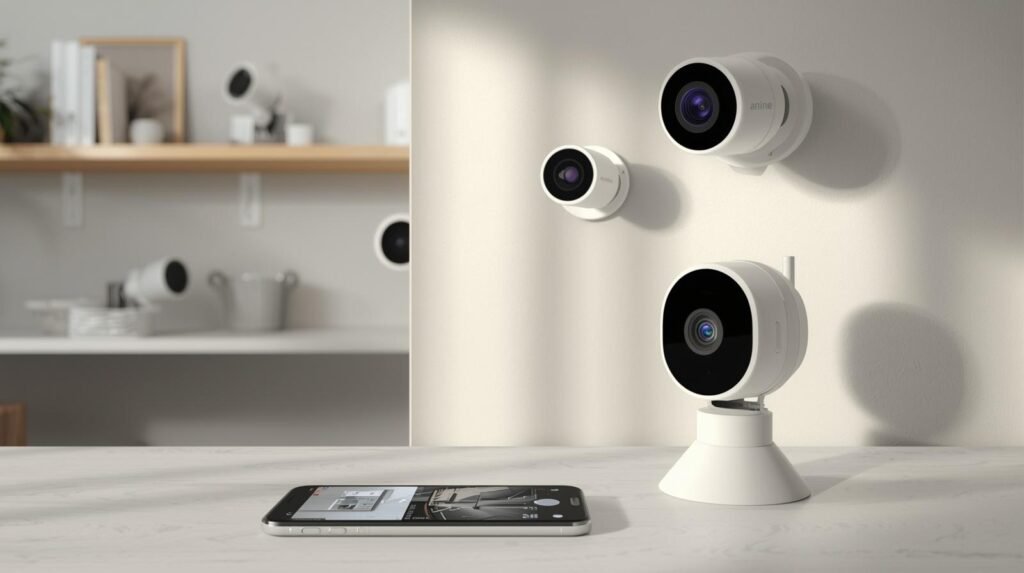

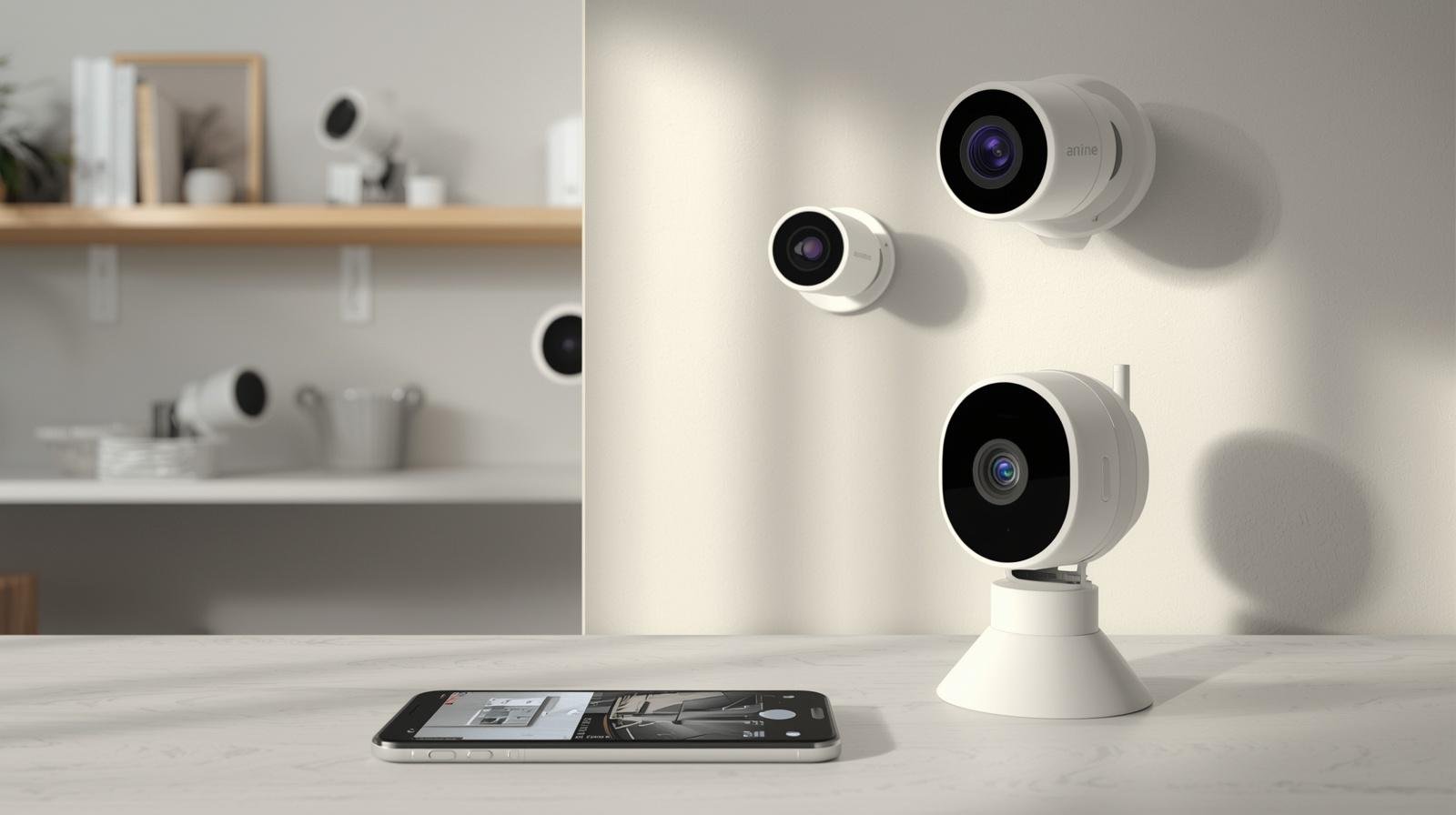
How to Set Up an Indoor Security Camera System (Easy Step-by-Step Guide for Beginners)
Setting up an indoor security camera system is one of the smartest and most affordable ways to protect your home, keep an eye on your kids or pets, and gain real peace of mind. Whether you are a first-time homeowner or a renter looking for a simple no-drill solution, this guide will walk you through everything you need to know about indoor security camera system setup from start to finish.
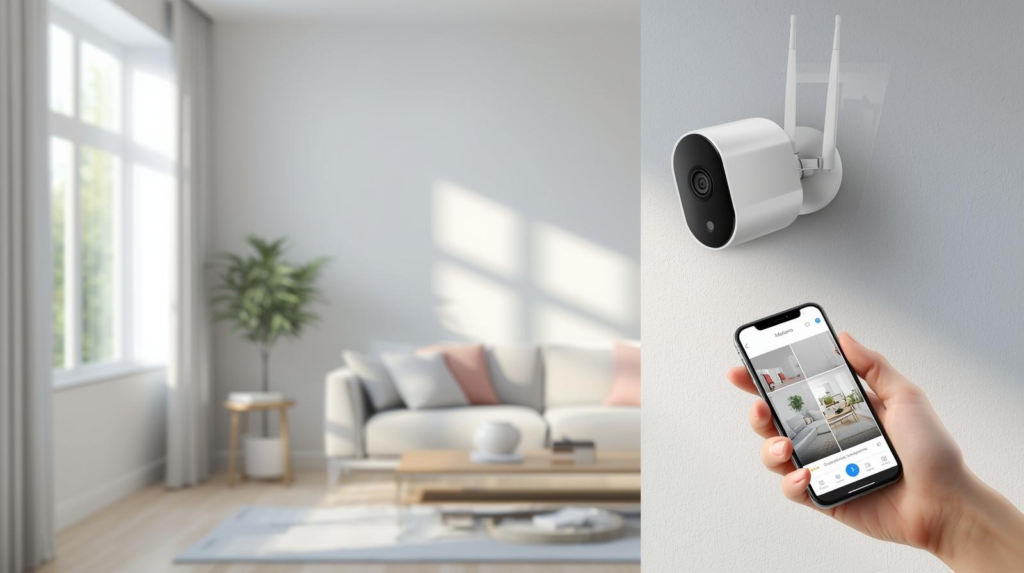
indoor security camera system setup in a modern living room
This complete indoor security camera system setup guide will show you exactly what to do
Table of Contents
- What Is an Indoor Security Camera System?
- Why You Need an Indoor Security Camera System
- How to Set Up an Indoor Security Camera System (Step-by-Step)
- Best Indoor Security Cameras for Home Security
- Common Mistakes When Installing Indoor Cameras
- FAQs
- Final Thoughts
Before starting your indoor security camera system setup, make sure your WiFi is stable
What Is an Indoor Security Camera System?
An indoor security camera system is a network of one or more cameras placed inside your home to monitor activity, record footage, and send real-time alerts to your smartphone. These systems range from a single WiFi camera on a shelf to a multi-camera wired setup with a central hub.
Modern indoor security cameras come packed with features like HD video, night vision, two-way audio, motion detection, and cloud or local storage. Many systems also integrate with smart home platforms like Amazon Alexa or Google Home, making them a natural addition to any connected household.
Unlike outdoor cameras, indoor cameras are designed specifically for interior spaces. They tend to be more compact, quieter, and focused on privacy-conscious features.
Why You Need an Indoor Security Camera System
A lot of homeowners underestimate the value of monitoring the inside of their home. Here are the key reasons why an indoor security camera system setup is worth every penny.
Real-time monitoring lets you check on your home from anywhere using a smartphone app. Whether you are at work or on vacation, you stay connected.
Deterrence works even indoors. Visible cameras discourage theft by houseguests, contractors, or anyone with temporary access to your home.
Pet and child monitoring is one of the most popular use cases. Parents use indoor cameras to watch nurseries, playrooms, and common areas. Pet owners use them to monitor dogs or cats while away.
Evidence collection is a major benefit. If a break-in or incident occurs inside your home, recorded footage becomes critical evidence for insurance claims or law enforcement.
Smart home integration adds convenience. Many indoor cameras trigger smart lights, locks, or alarms automatically when motion is detected.
For a deeper look at how home surveillance reduces crime risk, see this resource from the Electronic Frontier Foundation on smart home security and privacy: https://www.eff.org/issues/privacy
How to Set Up an Indoor Security Camera System (Step-by-Step)
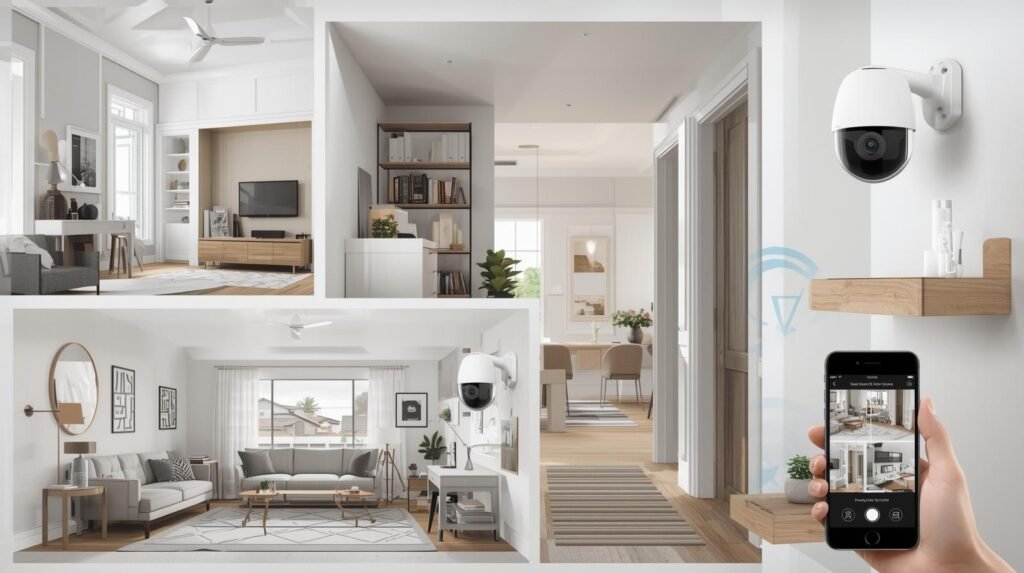
indoor security camera system setup guide example with multiple cameras
6 Easy Steps to Set Up an Indoor Security Camera System
Step 1: Plan Your Camera Placement
Before unboxing anything, walk through your home and identify the most important areas to monitor. The best spots for indoor cameras include entryways and front doors, living rooms and common areas, hallways connecting bedrooms, stairways, and any room with valuables like a home office.
Place cameras at a height of 7 to 9 feet for the best field of view. Angle them slightly downward so they capture faces clearly. Avoid pointing cameras directly at bright windows as this can wash out the image.
Step 2: Choose Your Camera System
Your setup depends on your goals and budget. There are two main types of indoor security camera systems.
Wireless WiFi cameras are the easiest to install. They connect to your home network and stream footage to an app. These are perfect for renters or anyone who wants a no-damage setup. Look for cameras with at least 1080p HD resolution, two-way audio, and motion alerts.
Wired NVR systems use physical cables and a central recording hub. They are more reliable for large homes but require more installation effort. These are ideal if you want 24/7 continuous recording without relying on cloud subscriptions.
For a related buying guide, check out our article on the best indoor security cameras for apartments https://indoorsecuritycamera.com/product-review/indoor-camera-tips-for-beginners/
Step 3: Connect Your Cameras to WiFi
For wireless cameras, download the manufacturer app on your smartphone before anything else. Most modern cameras use a QR code scan or guided setup wizard to connect to your 2.4GHz or 5GHz WiFi network.
Make sure your router signal is strong in the areas where you plan to place cameras. If signal is weak, consider a WiFi extender or mesh network system to avoid dropouts and lag in your footage.
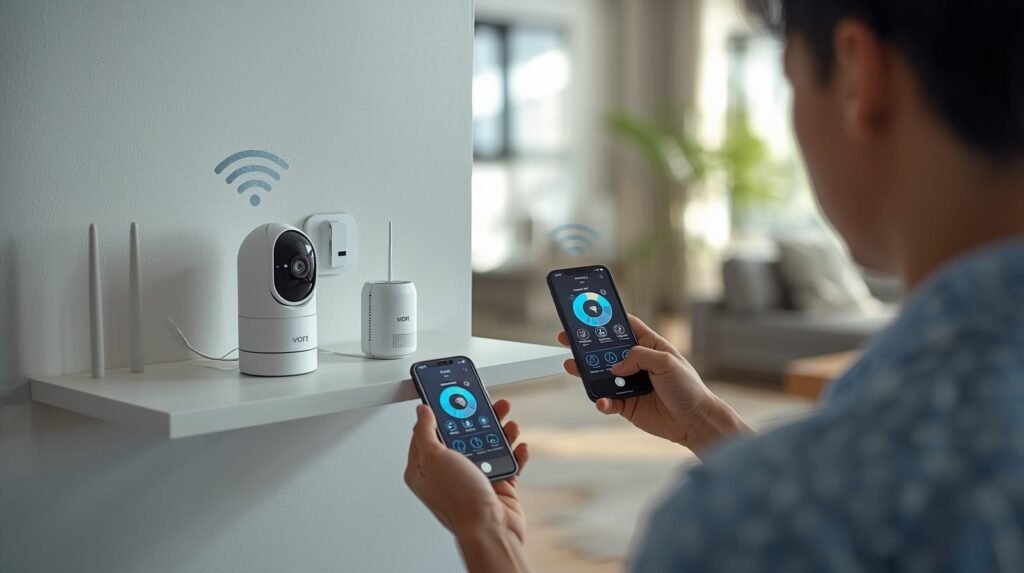
connecting indoor security camera to wifi during system setup
Step 4: Mount or Position Your Cameras
Most indoor cameras come with a magnetic base, adhesive mount, or tabletop stand. Choose the mounting method that works best for your space without causing permanent damage.
For renters, adhesive mounts and tension shelves are ideal. They hold cameras securely without leaving marks on walls. Avoid drilling unless you own your home or have landlord permission.
Step 5: Configure Your Settings and Alerts
Once connected, open the app and configure these key settings. Set motion sensitivity to avoid false alerts from fans or curtains. Enable person detection if your camera supports AI-based alerts. Set up cloud storage or insert a microSD card for local storage. Schedule recording windows if you only want footage during specific hours. Test two-way audio to make sure it works clearly before relying on it.
Step 6: Test the Full System
Do a full walkthrough of your home and trigger the motion sensors intentionally. Check the live view on your app to confirm the angle, clarity, and audio quality. Adjust camera angles as needed before finalizing placement.
Best Indoor Security Cameras for Home Security
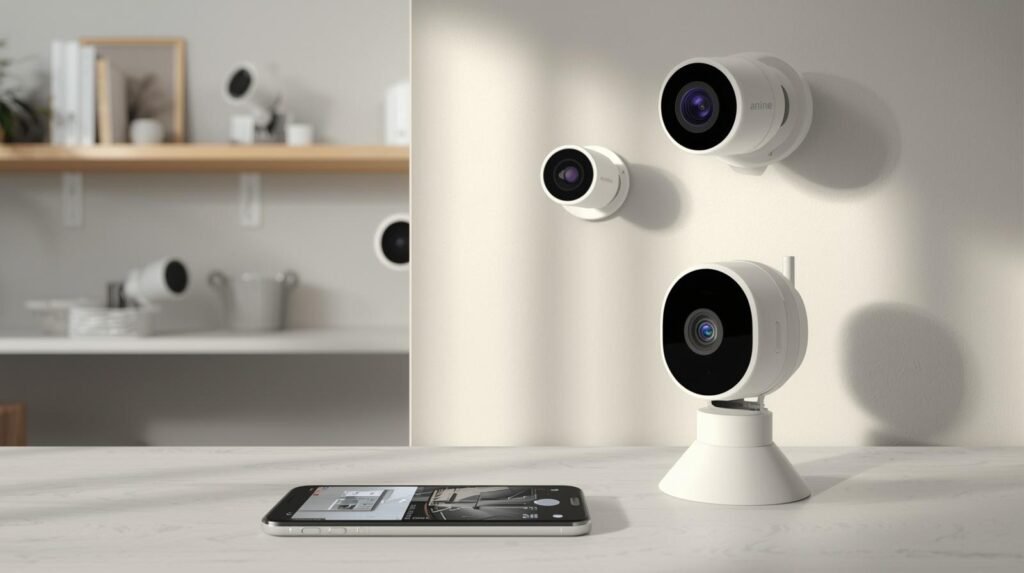
best indoor security cameras for home security system setup
Here are three top-rated indoor cameras worth considering for your setup. All are available on Amazon and consistently well-reviewed.
Blink Indoor Camera is a compact, battery-powered option with 1080p video, motion detection, and Alexa compatibility. It requires no monthly fee if you use local storage. Perfect for beginners and budget-conscious buyers.
TP-Link Tapo C200 is a pan-and-tilt camera that covers a wide area with 360-degree rotation. It supports 1080p HD, night vision, and two-way audio. Ideal for living rooms or large open spaces.
Google Nest Cam (Wired) offers intelligent alerts powered by Google AI. It recognizes people, animals, and vehicles and sends detailed notifications. It integrates seamlessly with Google Home and supports 24/7 continuous recording with a Nest Aware subscription.
For the latest Amazon pricing and customer reviews, search each product directly on Amazon to find current deals and bundles.
For more recommendations, read our guide on the best indoor security cameras without a subscription fee [INTERNAL LINK].
Common Mistakes When Installing Indoor Cameras
Even a basic indoor security camera system setup can go wrong if you overlook a few key details. Here are the most common mistakes to avoid.
Placing cameras too high or too low reduces facial recognition accuracy and limits the effective field of view. Stick to the 7 to 9 foot recommendation.
Pointing cameras at windows creates glare and silhouettes. Always angle cameras away from direct light sources.
Ignoring WiFi strength leads to dropped connections and missed footage. Test your signal strength at each camera location before mounting.
Skipping firmware updates leaves your cameras vulnerable to security exploits. Always update the camera firmware and app right after setup.
Forgetting about storage means your camera may overwrite footage before you have a chance to review it. Set up cloud storage or a dedicated SD card from day one.
Using default passwords is one of the biggest security risks. Change the default login credentials immediately to prevent unauthorized access to your camera feed.
FAQs
Do I need professional help to set up an indoor security camera system?
No. Most modern indoor security cameras are designed for easy DIY installation. A typical WiFi camera can be set up in under 15 minutes using just a smartphone app.
Can I set up an indoor security camera in a rented apartment?
Yes. Look for cameras with adhesive mounts or tabletop bases that require no drilling. Always check your lease agreement before installation.
How many cameras do I need for a typical home?
For a standard two to three bedroom home, three to five cameras usually provide solid coverage of key entry points and living areas.
Do indoor security cameras work without internet?
Some cameras with local SD card storage can record without internet access. However, you will lose remote viewing and app alerts without a WiFi connection.
Is it legal to have indoor security cameras in your home?
Yes, in most countries you are legally allowed to use security cameras inside your own home. However, you must not place cameras in areas where people have a reasonable expectation of privacy, such as bathrooms or bedrooms without consent.
How do I keep my indoor cameras from being hacked?
Use a strong and unique password, keep firmware updated, enable two-factor authentication if available, and connect your cameras to a separate guest WiFi network for added security. The FBI recommends keeping smart home devices on a separate network from your personal computers and phones. Source: https://www.fbi.gov/scams-and-safety/common-scams-and-crimes/internet-of-things
Now you know exactly how to set up an indoor security camera system at home. Setting up an indoor security camera system is easier than most people think. Whether you are a beginner or advanced user, learning how to set up an indoor security camera system will help you protect your home, monitor your pets, and keep your family safe 24 hours a day. If you are still wondering how to set up an indoor security camera system the right way, just follow the steps in this guide and you will be done in under 30 minutes.
Many homeowners search for how to set up an indoor security camera system because they want affordable home protection. The best way to set up an indoor security camera system is to start with one camera in the living room and expand from there. You can set up an indoor security camera system in less than 15 minutes using just your smartphone and the camera app. Once you set up an indoor security camera system you will never want to live without one again.
Final Thoughts
Setting up an indoor security camera system does not have to be complicated or expensive. With the right camera, a strong WiFi connection, and a few minutes of your time, you can have a fully functional home monitoring system running today.
Whether your goal is to watch your pets, protect your valuables, or simply feel more secure at home, the right indoor security camera system setup makes all the difference.
Start with one or two cameras in high-priority areas, then expand your system as your needs grow. The most important step is simply getting started.
If you found this guide helpful, explore our other articles on smart home security to find the best cameras, storage options, and privacy tips for your setup.